Why Accessibility Became a Quiet AI Success Story
Most “big” AI promises chase novelty: new chat experiences, new content generators, new assistants that try to do everything. Accessibility moved in the opposite direction. It improved fastest where the goal was simple and measurable: help someone perceive, understand, and operate a digital product with fewer barriers.
That clarity matters. Captions either show up or they don’t. Voice typing either understands you or it doesn’t. Alt text is either helpful or it’s empty. Because the outcomes are concrete, accessibility teams could ship improvements incrementally—better noise handling, clearer punctuation, faster latency—without needing a perfect general-purpose AI.
A second reason accessibility progressed quickly is that it rides along with platforms. When a platform vendor upgrades speech recognition or adds system-level captioning, the benefit can land across millions of devices overnight. That’s one of the few places where “AI everywhere” can genuinely mean more inclusion everywhere, not just more automation.
Real-World Context: In 2026, accessibility is increasingly treated as a product requirement, not a niche add-on. Apple keeps expanding iOS accessibility features (VoiceOver, voice control, system-level captions), Google continues pushing Android transcription and translation, and Microsoft’s enterprise ecosystem normalizes captions in meetings. On the model side, OpenAI and Anthropic make speech and vision building blocks easier for developers to integrate, while NVIDIA’s hardware push helps run real-time inference on more devices—especially as “local AI” becomes a mainstream expectation.
Captions and Transcription Went From “Good Enough” to Daily Infrastructure
Captions used to be a “nice extra,” often inaccurate, delayed, or missing in live settings. Now they’re closer to utility infrastructure—like Wi-Fi. You notice them most when they’re gone.
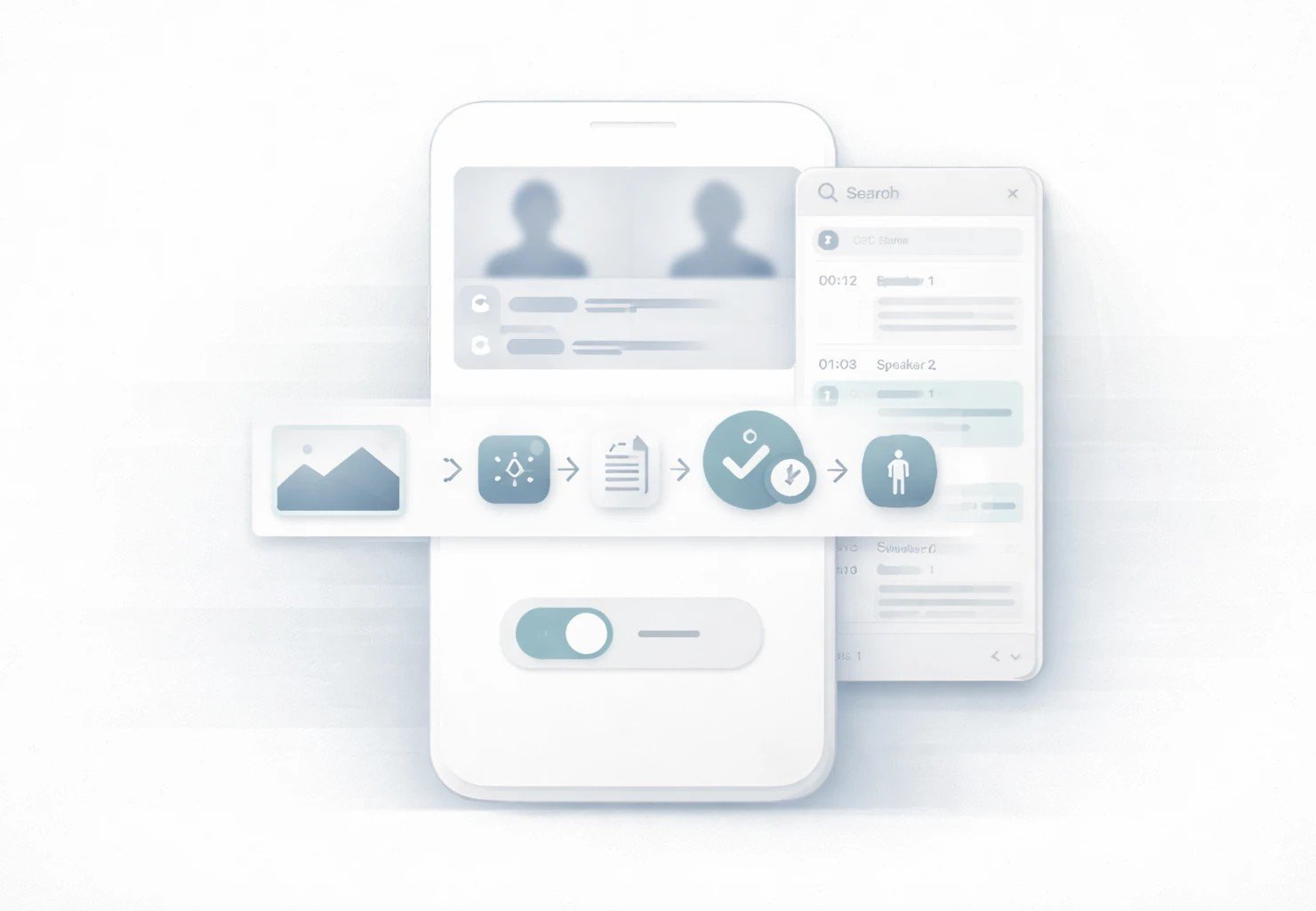
What changed wasn’t only model quality. It was product integration: captions built into meeting platforms, operating systems, and media workflows. Accessibility isn’t a one-off feature. It’s a chain: microphone input → noise suppression → speech recognition → punctuation → speaker labeling → display → export. AI made each link better, then platforms stitched it together so captions could be “always there,” not “only when someone remembers to turn them on.”
Where captions changed work, school, and media
Captions help people who are deaf or hard of hearing, but that’s only the start. They also help anyone in noisy environments, anyone watching without sound, and anyone trying to learn a language or follow a fast speaker. Captions became mainstream because they solve mainstream constraints.
Everyday moments improved by better captions
- Catching a key detail in a Zoom call when the audio glitches
- Following a lecture from the back of a classroom with poor acoustics
- Watching a tutorial on mute in a public place
- Understanding someone with a different accent or speaking style
- Skimming a recorded meeting faster by searching the transcript
- Getting names, dates, and numbers right without replaying sections
- Sharing accurate notes with teammates who couldn’t attend live
When people argue about whether AI is “useful,” this is the kind of usefulness they usually overlook: quiet, repeated, and practical. And it’s happening at scale. A global study with more than 48,000 respondents found that 66% of people use AI regularly and 83% believe AI will deliver a wide range of benefits—a strong signal that AI-powered features like captions are no longer “early adopter only,” they’re becoming normal UI.
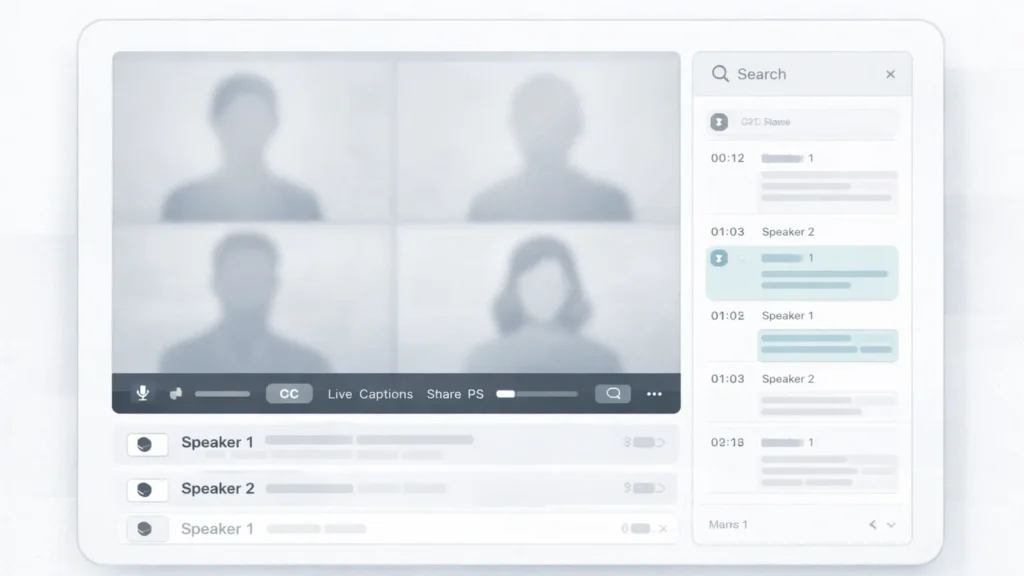
Real-World Context: Zoom and Microsoft Teams helped normalize captions in work meetings, and mobile platforms made “turn speech into text” a baseline expectation. In 2026, the quality jump is often less about a single breakthrough model and more about the unglamorous work: better noise suppression, multilingual robustness, smarter punctuation, and clearer speaker labeling—so captions feel dependable rather than optional.
Translation and Voice Tools Reduced Friction Across Languages
If captions made audio visible, translation and voice tools made language barriers less sticky. This is where AI’s positive impact shows up in daily life: less repeating, less awkwardness, fewer dropped details. It’s not magic. It’s the internet becoming easier to use for more people.
Translation used to be a separate step—copy, paste, translate, hope for the best. Now translation is increasingly embedded into calls, chat apps, and on-device experiences. Even when it’s not perfect, it’s often good enough to keep a conversation moving, which is a real shift for inclusion.
Real-time translation in calls and live settings
Real-time translation changes the power dynamics in a conversation. People who used to sit quietly now have a pathway to participate. That matters in schools, workplaces, community services, and customer support. But the “accessibility” part isn’t only about language. It’s about speed and confidence. When translation happens live, you don’t need to interrupt the flow or ask someone to summarize later.
Here’s what you can add when you’re ready: [INSERT CURRENT 2026 DATA ON translation latency/quality] and [INSERT CURRENT 2026 DATA ON error rates by language pair]. The key is to avoid selling translation as “perfect.” It’s more honest—and more useful—to frame it as “reduces friction, with clear limits.”
Voice typing and dictation as accessibility-first design
Voice typing is a quiet revolution for people with mobility challenges, repetitive strain issues, or anyone who finds typing difficult. It’s also a productivity tool for everyone else, which helped it become widely supported. Dictation improved when systems got better at context, punctuation, and handling names—small details that determine whether a feature feels usable or annoying.
Real-World Context: In 2026, on-device dictation is a competitive feature for iOS and Android, while cloud-backed translation is increasingly baked into collaboration stacks. Developers also ship voice and translation features faster now because speech and language capabilities are easier to access through modern AI APIs. Meanwhile, the hardware story matters: more local compute means lower latency and better privacy, which makes “accessibility by default” more realistic.
Screen Readers, Alt Text, and Image Understanding Got a Real Upgrade
For blind and low-vision users, the web can be either navigable or exhausting depending on semantic structure. AI didn’t “solve” the problem, but it improved some painful gaps: missing labels, unclear controls, and unlabeled images.
Alt text is the simplest example. Historically, alt text was often missing or useless (“image123.jpg”). AI-enhanced alt text can generate a baseline description and reduce the number of dead ends a user hits. In document workflows, AI can also help extract structure—headings, lists, and reading order—so screen readers have something meaningful to work with instead of a flat wall of text.
But it’s important to say this plainly: generated descriptions can be wrong. They can misidentify objects, miss context, or confidently describe something that isn’t there. Accessibility gains are real, but they are not a license to skip fundamentals like semantic HTML, correct labels, and human review for important content.
One concrete datapoint that’s easy to overlook: screen readers are deeply mobile now. WebAIM’s Screen Reader User Survey #10 reports that 91.3% of respondents use a screen reader on a mobile device, and on mobile, VoiceOver is the most popular by far at 70.6%. That reality should shape how we build accessibility features: “desktop-only testing” is not enough.
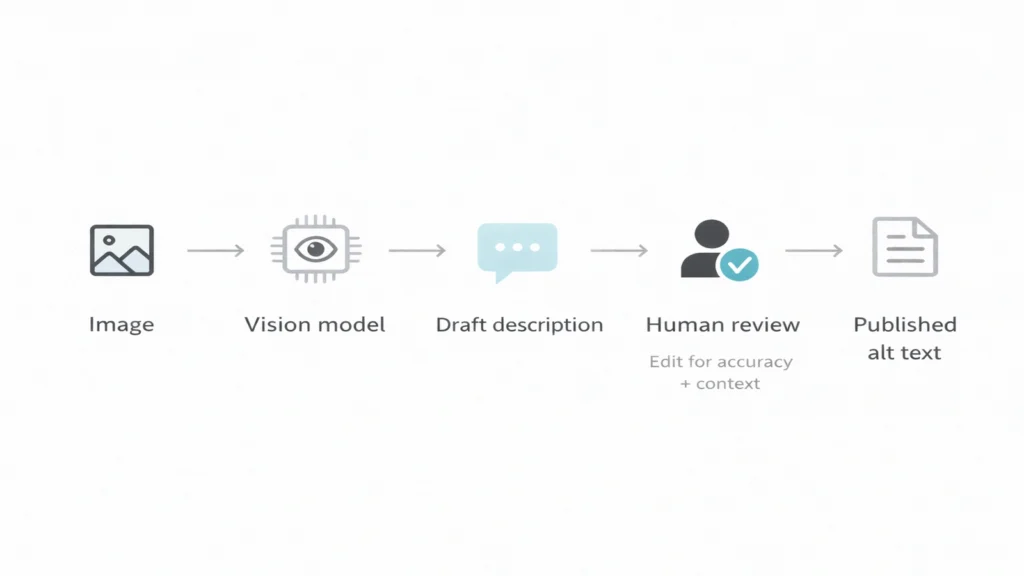
Real-World Context: Apple’s VoiceOver set expectations for structured UI, and Microsoft’s enterprise accessibility culture pressures vendors to support screen readers properly. In 2026, vision-capable models make it easier for developers to generate useful descriptions, but the best teams still treat automation as a draft—not the final word. And when things go wrong, governance matters, tying into the accountability theme in Who audits the algorithms.
WebAIM Screen Reader User Survey #10 Results
The Tradeoffs People Don’t See
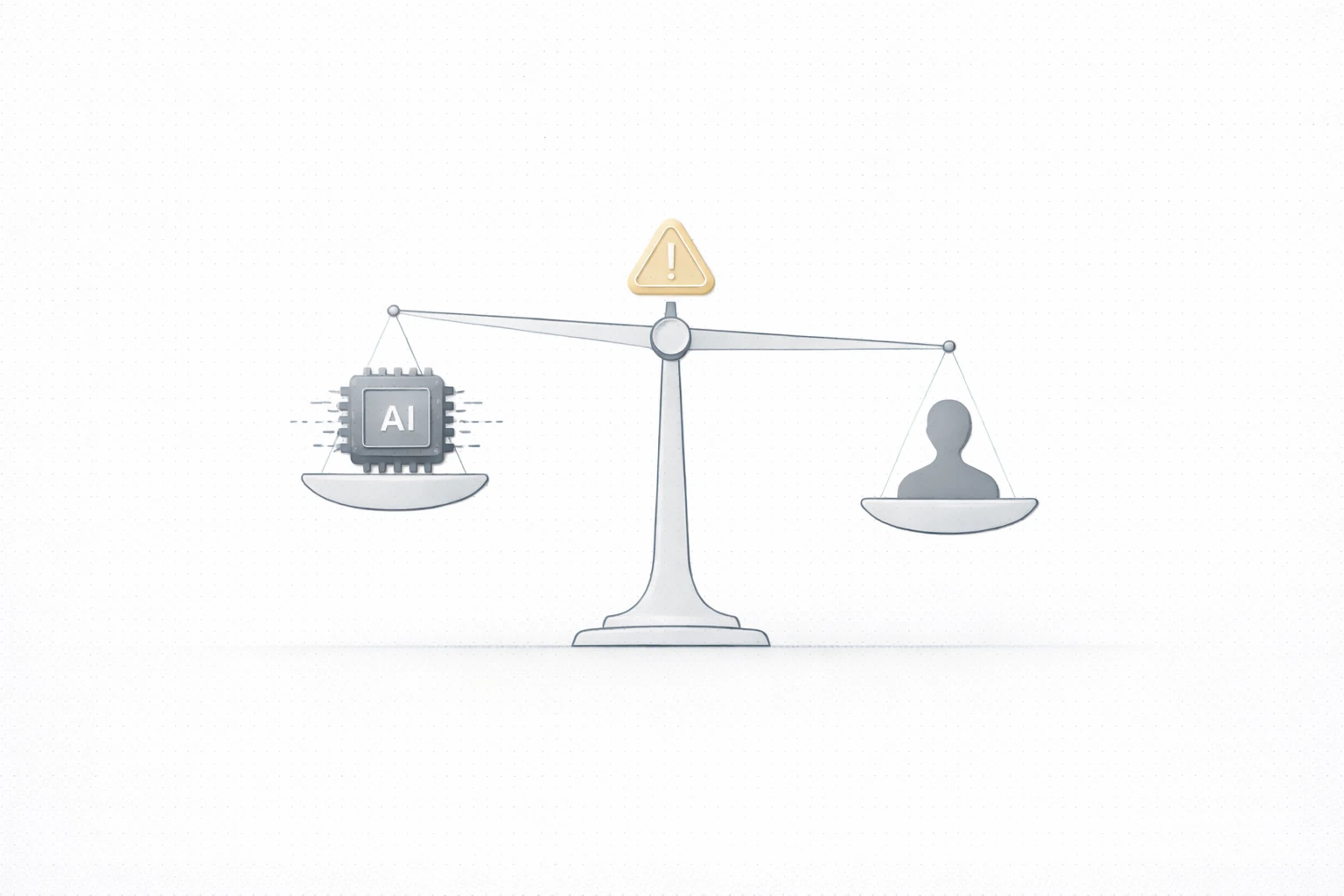
Accessibility features can quietly introduce new risks—especially when they rely on always-on audio, cloud processing, or workplace deployment.
Privacy is the obvious one. If a meeting tool auto-transcribes everything, that transcript becomes a searchable record. Great for inclusion, risky for consent. People may not realize they’re being transcribed, or they may feel pressured to accept transcription because “it’s standard now.”
Then there’s surveillance creep. An employer can describe transcription as “productivity support,” but use it to monitor employees. The same applies to classrooms: transcription can support students, but it can also create a permanent record that changes how safe people feel asking questions.
Bias shows up too, especially in accents, dialects, and multilingual settings. A tool that performs well for one speaking style and poorly for another creates a new barrier. For accessibility, “works for most” is not the bar.
Practical mitigation ideas that don’t require perfect policy:
- Make transcription/captions opt-in where feasible and clearly signposted where not
- Offer local/on-device modes when possible, especially for sensitive contexts
- Provide edit and delete controls for transcripts, with clear retention windows
- Include confidence markers so users know when not to rely on a line
- Treat accessibility outputs as assistive, not authoritative—especially for translation and image description
Real-World Context: In 2026, enterprise rollout is where accessibility and governance collide. Companies want captions and summaries, but they also fear leakage. In one 2026 enterprise guide, among organizations not allowing AI meeting assistants, 39.5% cited security concerns and 26.3% said compliance management is an issue—a reminder that the adoption ceiling is often policy and trust, not model quality. That’s also why your internal warning about dependency risk stays relevant: https://theaichronicle.org/the-hidden-risks-of-relying-on-ai/
8 AI meeting assistants to consider in 2026 (enterprise concerns and blocking reasons)
What “Good” Looks Like Next
The next wave of accessibility progress won’t come from flashy demos. It will come from boring design patterns done consistently: on-device processing, clear permissions, transparent logs, and reliable fallbacks when AI fails.
A good accessibility feature acts like a seatbelt: present when needed, unobtrusive when not, and never pretending to be something it isn’t. If captions drop, users should still have a way to access content. If translation confidence is low, the UI should say so. If alt text is generated, it should be editable and clearly marked.
Traditional Accessibility Tools vs. AI-Enhanced Accessibility
| Feature | Traditional approach | AI-enhanced approach | New risk introduced |
|---|---|---|---|
| Captions | Manual captions or basic ASR | Real-time, speaker-labeled, searchable transcripts | Sensitive data stored; overreliance on imperfect text |
| Translation | Post-hoc text translation | Live translation in calls and apps | Misinterpretation in high-stakes contexts |
| Alt text | Human-authored descriptions | Auto-generated draft + optional human edit | Hallucinated or misleading descriptions |
| Screen reader support | Semantic HTML + ARIA labels | UI labeling assistance and document understanding | False labeling can mislead navigation |
| Dictation | Basic voice typing | Context-aware dictation with punctuation | Voice data retention and consent issues |
| Assistive workflows | Separate tools and settings | Integrated, system-level features | Harder to opt out across ecosystems |
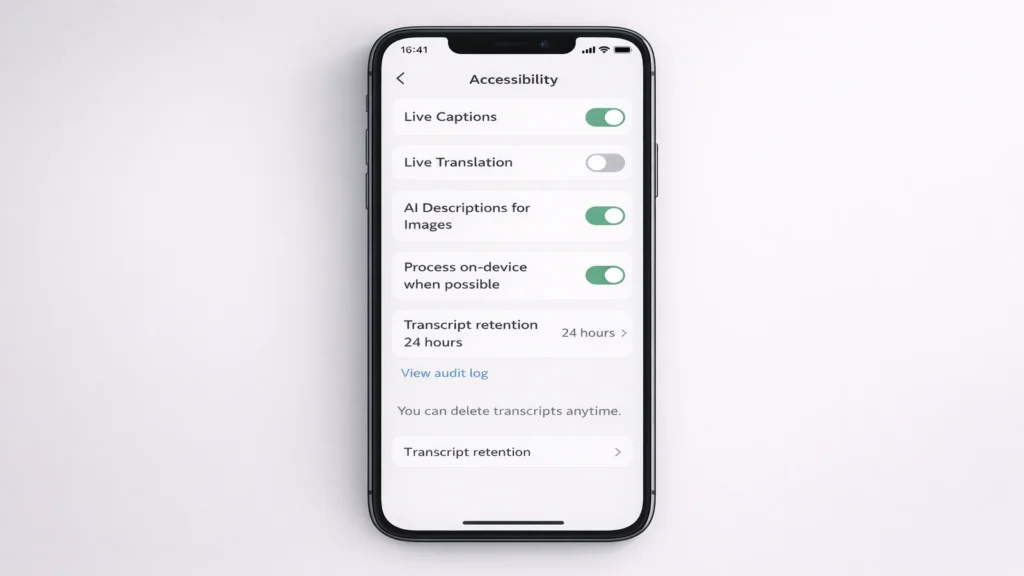
Real-World Context: The hardware trend is doing something rare: it’s aligning privacy and performance. Deloitte projected that gen-AI–enabled smartphones could exceed 30% of global smartphone shipments by the end of 2025, which effectively makes 2026 a tipping point for on-device AI at scale. More local compute makes accessibility features faster, cheaper to run, and easier to keep private—especially compared to cloud-only approaches.
On-device generative AI could make smartphones more helpful (Deloitte TMT Predictions 2025)
The Analyst’s Verdict
By 2027–2028, the biggest accessibility gains won’t come from bigger chatbots. They’ll come from on-device models plus boring integration work: consistent labeling, predictable permissions, visible audit trails, and default fallbacks when AI confidence is low.
Here’s the point many teams miss: the “best” accessibility product won’t be the one with the most advanced model. It will be the one that treats accessibility as a reliability problem. People don’t need a caption system that’s brilliant 90% of the time. They need one that’s stable, transparent, and respectful 100% of the time—especially around privacy and consent.
The numbers already hint at the tension. Trust remains a limiting factor: the KPMG/University of Melbourne study found only 46% of people globally are willing to trust AI systems, even while usage is widespread. That gap—high use, lower trust—is exactly where accessibility products must earn confidence through user control, transparency, and safe defaults.
And when you bring transcription into workplaces, adoption often depends on governance, not features. As noted earlier, among organizations not allowing AI meeting assistants, 39.5% cite security concerns—the clearest signal that accessibility wins will scale fastest when they come with real consent mechanics and strong retention controls.
Real-World Context: In the next two years, expect Apple and Google to compete harder on private on-device intelligence, Microsoft to push auditability for workplace AI, and developers to choose model providers based not just on quality but on controllability. Accessibility will keep improving—but the winners will be the teams that treat consent and transparency as first-class features, not legal fine print.
By Sami Hayes – AIchronicle Insights